Face Count
Ultra AI 3D Model Generator
Create ultra-precision models for printing, gaming, and film production
Input
JPG, PNG, WEBP
File Size
Max 3MB
Est. Time
~3 Mins
Download
GLB, OBJ, STL
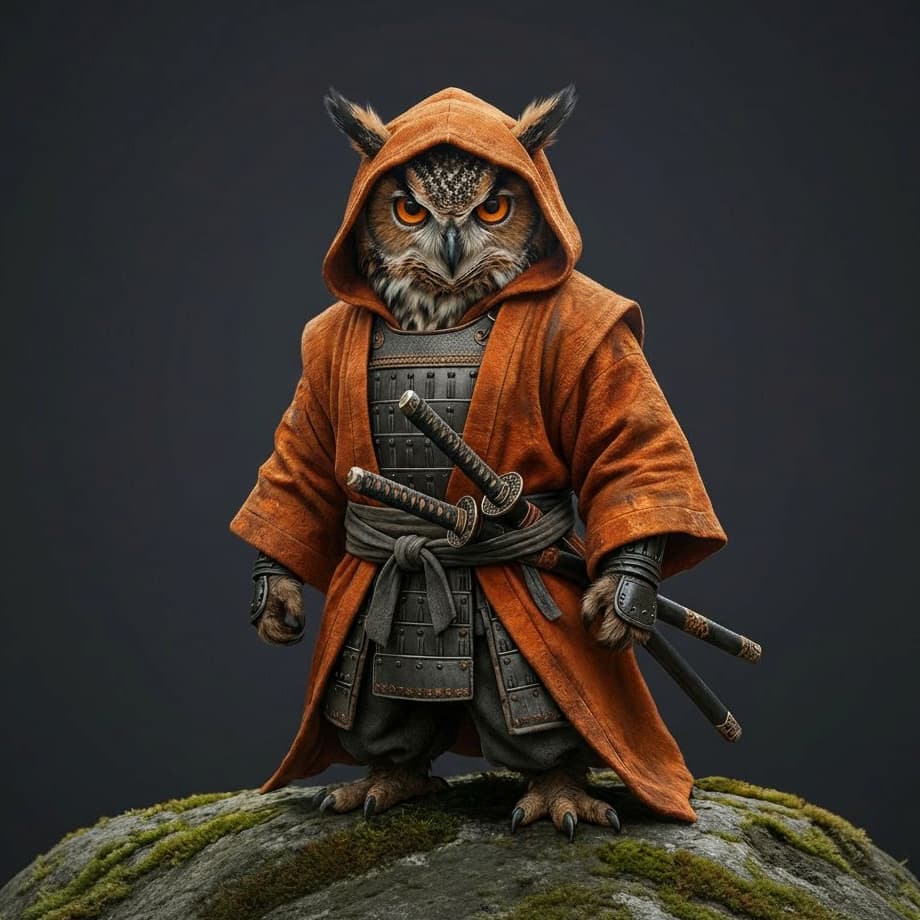
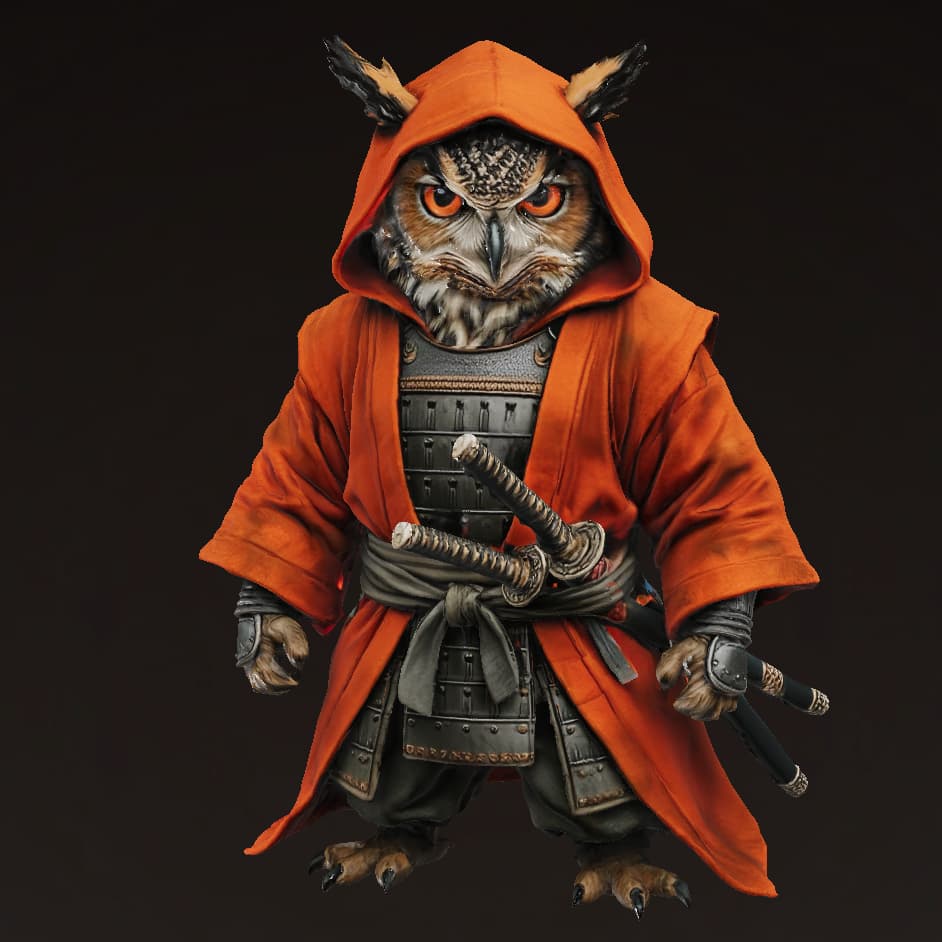
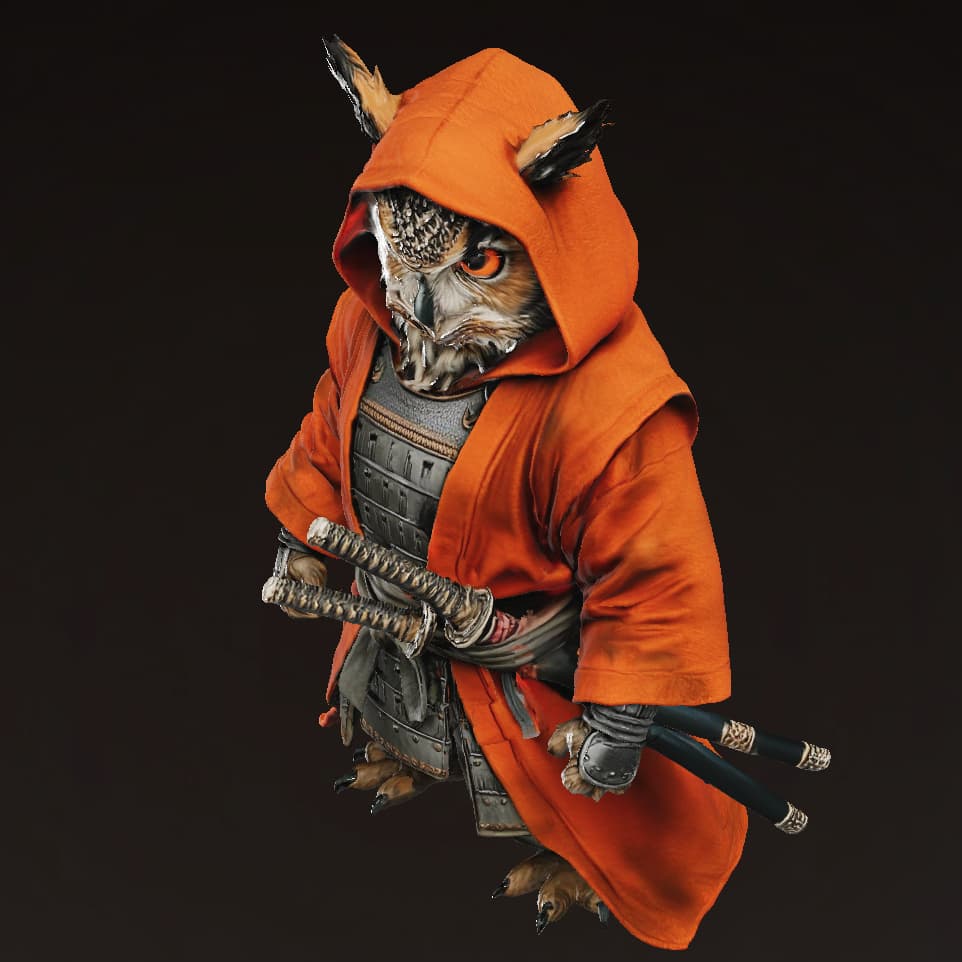
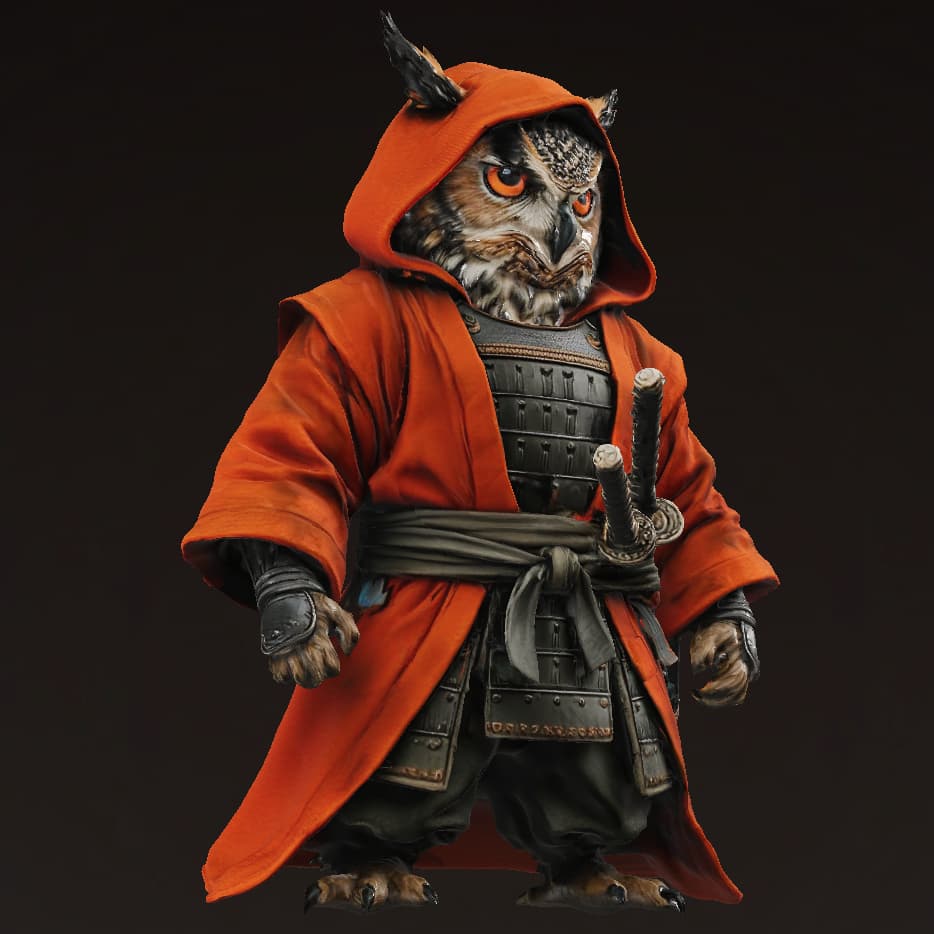
Generated Model Examples
See what the Ultra AI can do by clicking the examples on the right. Explore the gallery to see the level of detail and quality you can expect.
How to Achieve the Best Results
Clear, Front-Facing View
Upload a sharp, well-lit photo taken from the front (full face and torso). A head-on pose gives the AI maximum surface data.
Show the Whole Silhouette
Frame the shot so arms, legs, and key accessories are visible. Missing limbs force the model to guess, reducing accuracy.
Simple Background
Use a neutral, plain backdrop (or use our background remover) to avoid stray geometry.
Even Lighting
Soft, diffuse light minimizes harsh shadows and highlights, preserving surface detail.
What Not to Create
Hidden Details
Don't hide key features (e.g., logos, backpacks) on the back or sides.
Complex Scenes
Images with multiple people or intricate backgrounds will not generate well.
Heavy Stylization
Abstract art or highly specific 2D styles may not reconstruct accurately.
Model Tier Comparison
Base
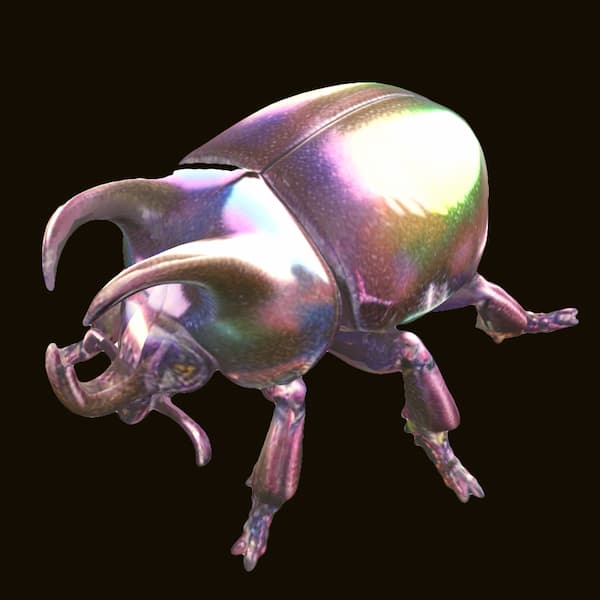
Base: Prioritizes speed and low cost. Good for simple shapes and quick drafts.
Pro
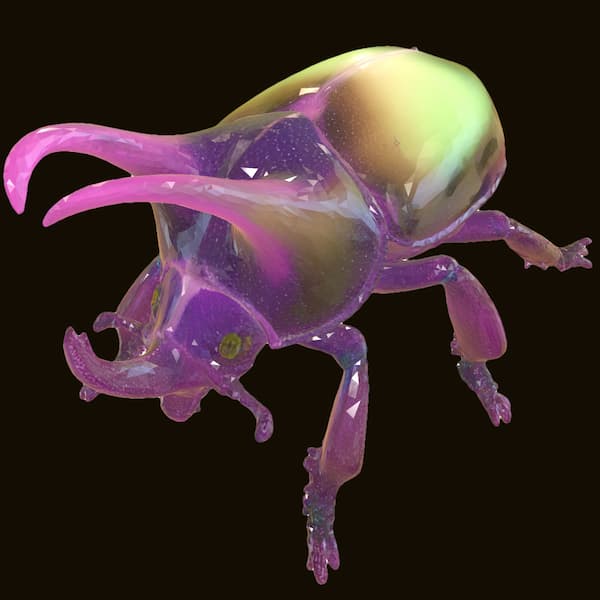
Pro: Balances speed and detail. Offers parameter controls like face count. Ideal for standard game assets.
Ultra
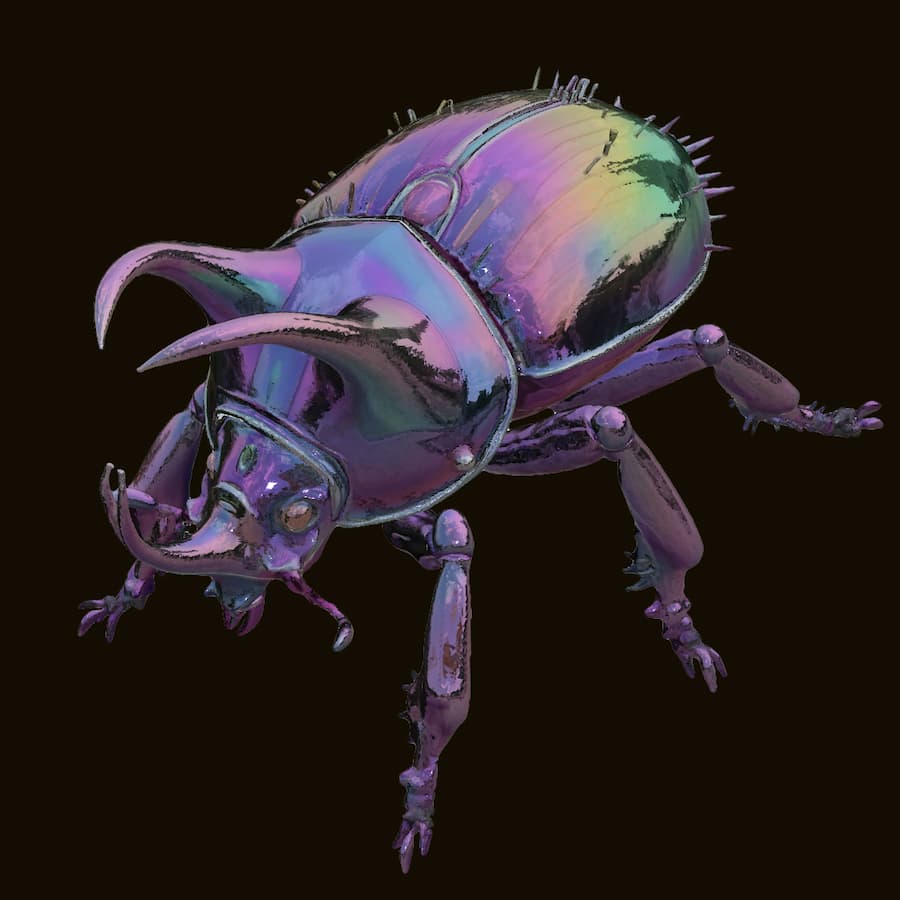
Ultra: Highest Fidelity. Creates realistic textures and intricate details. Best for figurines and main characters.