
2D to 3D Image Converter
2D to 3D Photo Creator
Turn flat pictures into 3D-style art with depth, volume and realistic shading — then convert the result into a real 3D model in one click.
How the 2D to 3D Converter Works
Upload Your Flat Image
Drop in any flat picture: a logo, icon, cartoon character, sticker, or flat illustration. For best results, use an image with one clear subject and a plain or transparent background.
AI Adds Depth and Volume
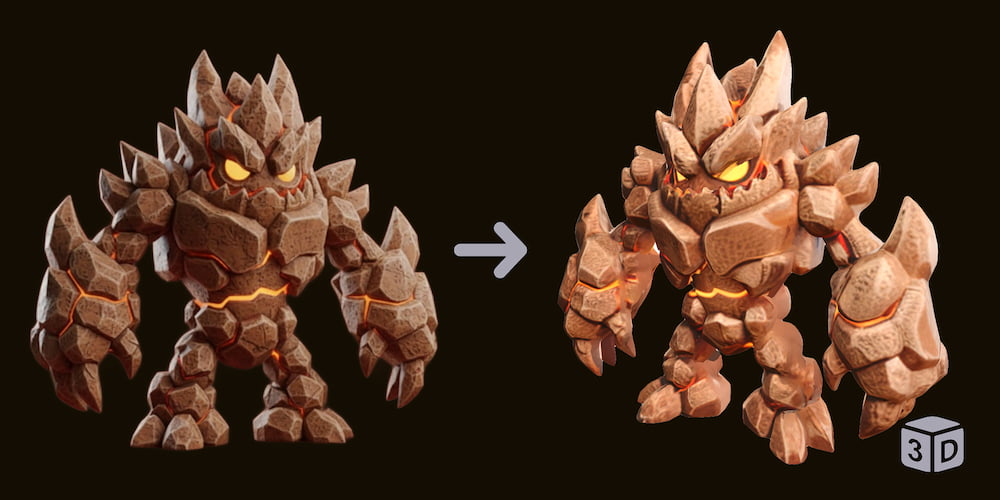
Our AI analyzes the subject's shapes and reconstructs realistic shading, highlights, ambient occlusion and depth of field — the visual cues that make a 2D picture read as a 3D object.
Download or Convert to a Real 3D Model
Save your 3D-style image, or send it straight to our image-to-3D generators (Base, Pro, or Ultra) to turn it into a downloadable OBJ, GLB or STL model.
What Can You Make with the 2D to 3D Converter?
3D Logos & Icons
Flat brand logos and app icons gain bevel, gloss and shadow — perfect for mockups, pitch decks and social posts. A 3D logo image is also the ideal input for turning your brand mark into a real printable 3D model.
Cartoon & Anime Characters
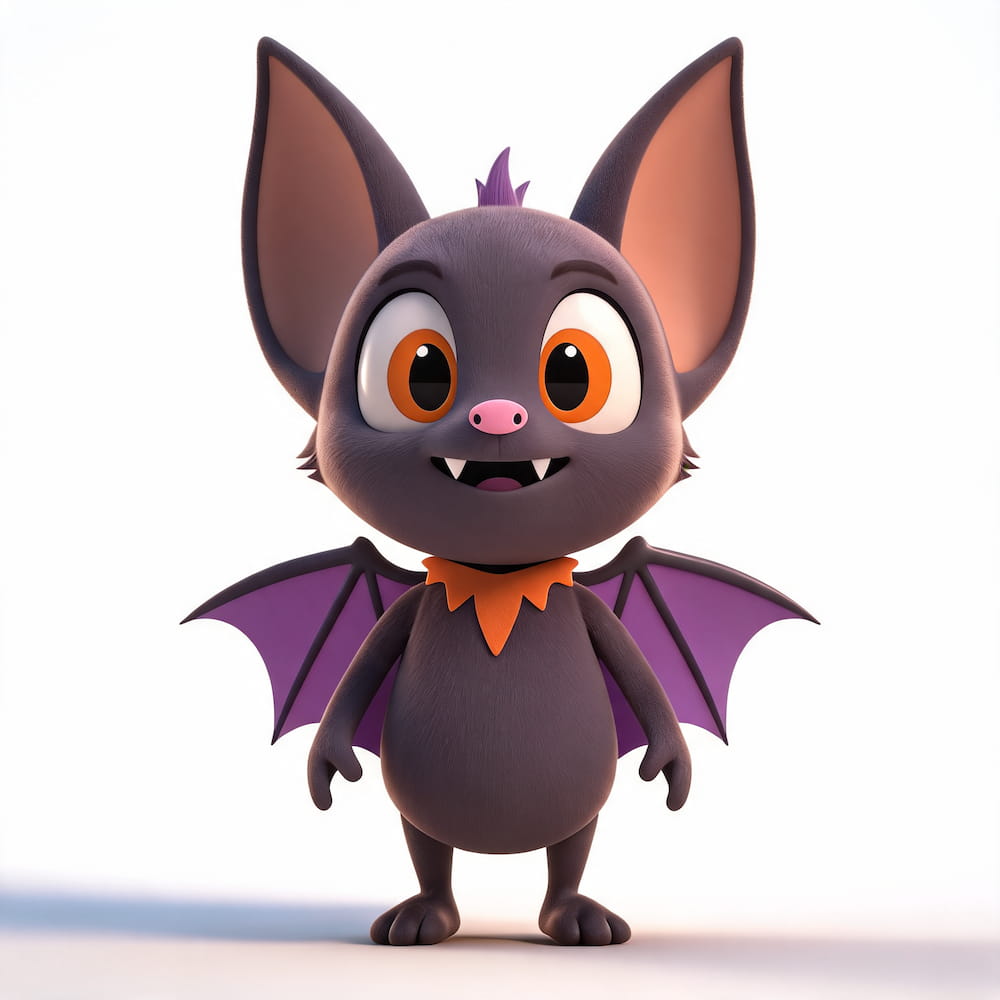
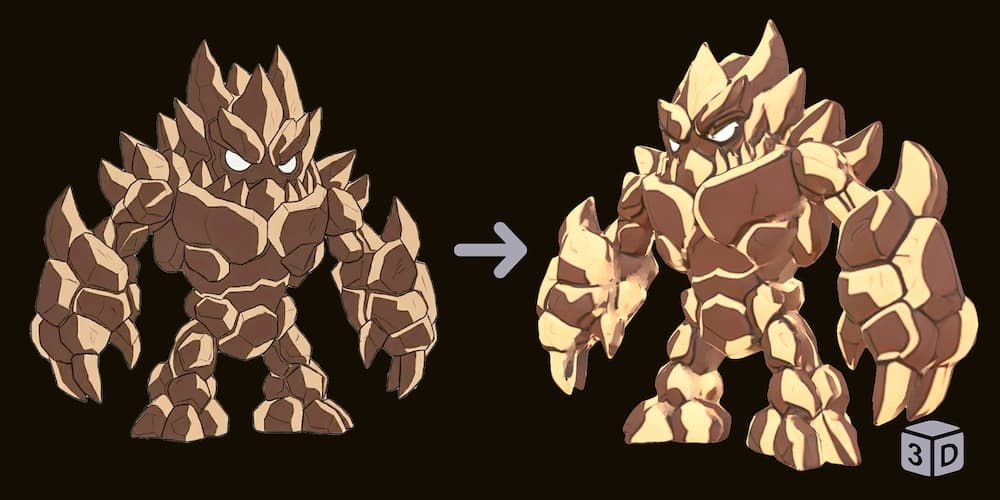
Flat cartoon characters get volumetric shading that makes them look like physical figurines — and become far better inputs for character 3D generation.
Stickers & Emojis
Turn flat sticker art into puffy, 3D-rendered sticker style (works great with our Background Remover for transparent sticker packs).
Children's Drawings
Give a child's drawing realistic shading and watch it come to life — a favorite for parents, and a perfect first step before converting drawings into 3D prints.
Game Sprites & Flat Illustration Assets
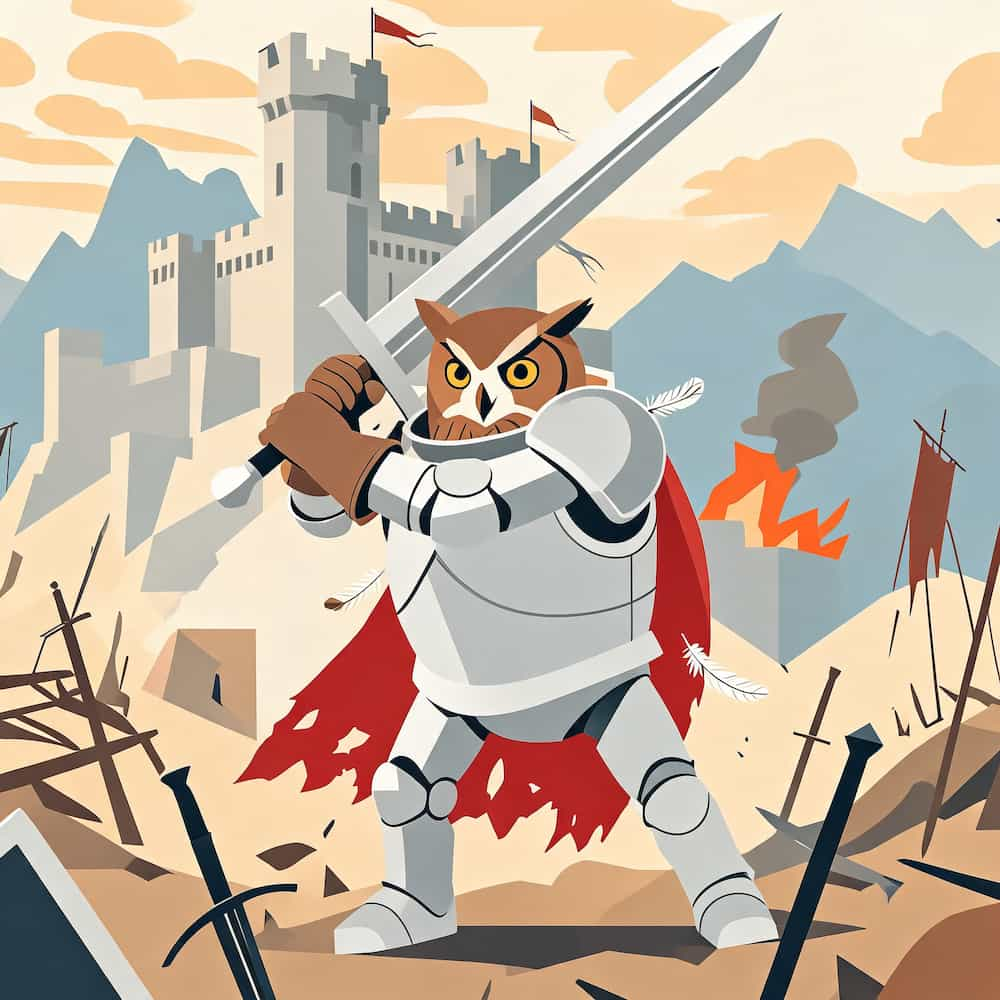
Flat game art and vector illustrations get depth-rich shading, so they convert into cleaner game-ready 3D assets.
Product & Sign Mockups
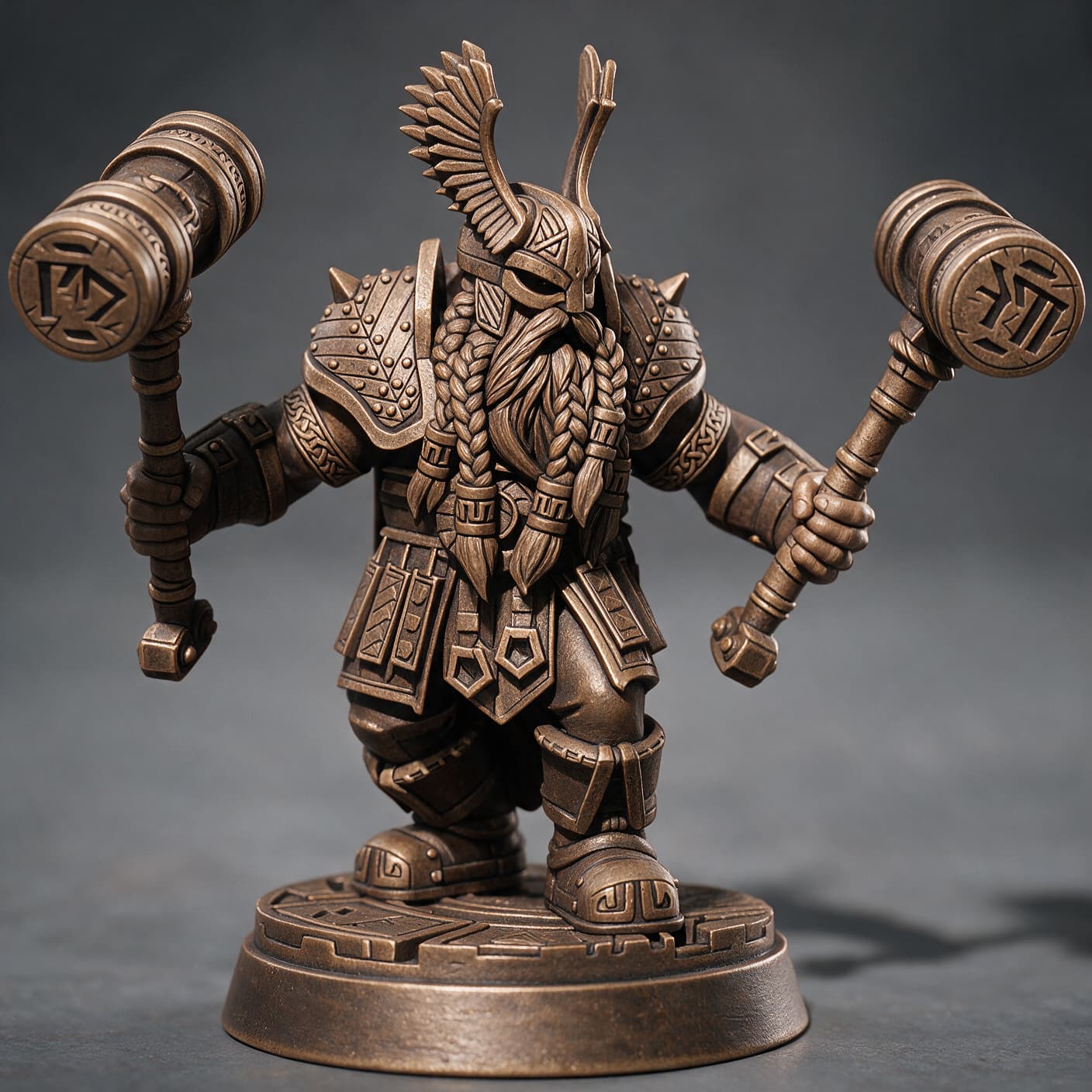
Flat product graphics, badges and signs become photorealistic 3D-style renders.
Why Flat Images Fail at 3D Generation (And How This Fixes It)
🔍 Image-to-3D AI reconstructs geometry by reading depth cues from your picture: shadows, highlights, gradients, occlusion. Flat illustrations and cartoons have almost none of these cues — the AI has to guess the volume, which is why flat inputs produce broken, distorted 3D models. ⚠️
💡 The 2D to 3D converter fixes the input instead of the output. By adding realistic shading and depth before conversion, you give the 3D generator the information it needs. ✅
How to Get the Best Results
One clear subject per image.
Multiple overlapping subjects confuse both the depth estimation and the 3D conversion.
Plain or transparent background.
Busy backgrounds create "ghost" shading. Use our free Background Remover first if needed.
Complete silhouette.
Don't crop feet, hands or edges — cut-off parts get wrong depth or missing volume.
Vector-flat works best.
The more "flat" the input, the more dramatic and controllable the 3D effect. Photorealistic photos already have depth and don't need this tool.
High resolution helps.
Small or blurry images produce muddy shading — upscale first with our AI Image Editor for crisp 3D detail.
2D to 3D Image vs. Real 3D Model — What's the Difference?
The 2D to 3D converter outputs a picture with 3D depth effects — great for social media, design mockups, presentations and stickers. It stays a 2D file. To get a real, rotatable 3D model you can print or drop into a game engine, send the converted image to our AI 3D Model Generator — it exports OBJ, GLB and STL. The 2D-to-3D conversion step dramatically improves the quality of the final model because the generator receives depth-rich input.
Our free 2D to 3D image converter uses AI to add realistic depth, volumetric shading and lighting to flat images — logos, icons, cartoon characters, stickers, children's drawings and vector illustrations — turning them into pictures that look like real 3D renders. Unlike simple photo filters, it reconstructs how light would fall on a physical object, so the output works as a high-quality input for our AI 3D model generator: depth cues that flat art lacks are exactly what an image-to-3D engine needs to reconstruct accurate geometry.
Send your converted image to a real 3D generator: