
Image to 3D Model using Hunyuan 2.0
Base AI 3D Model Generator


Seamless 2D to 3D Conversion Steps
Upload Source Image
Upload your 2D image. For the best quality, use a high-definition, sharp photo with a clear front-facing view.
Start Conversion
Click to generate your model. We recommend using the default settings for your first attempt.
Download 3D Model
Preview and save your result. The system supports export in STL, OBJ, and GLB formats.
Example of Model Generation
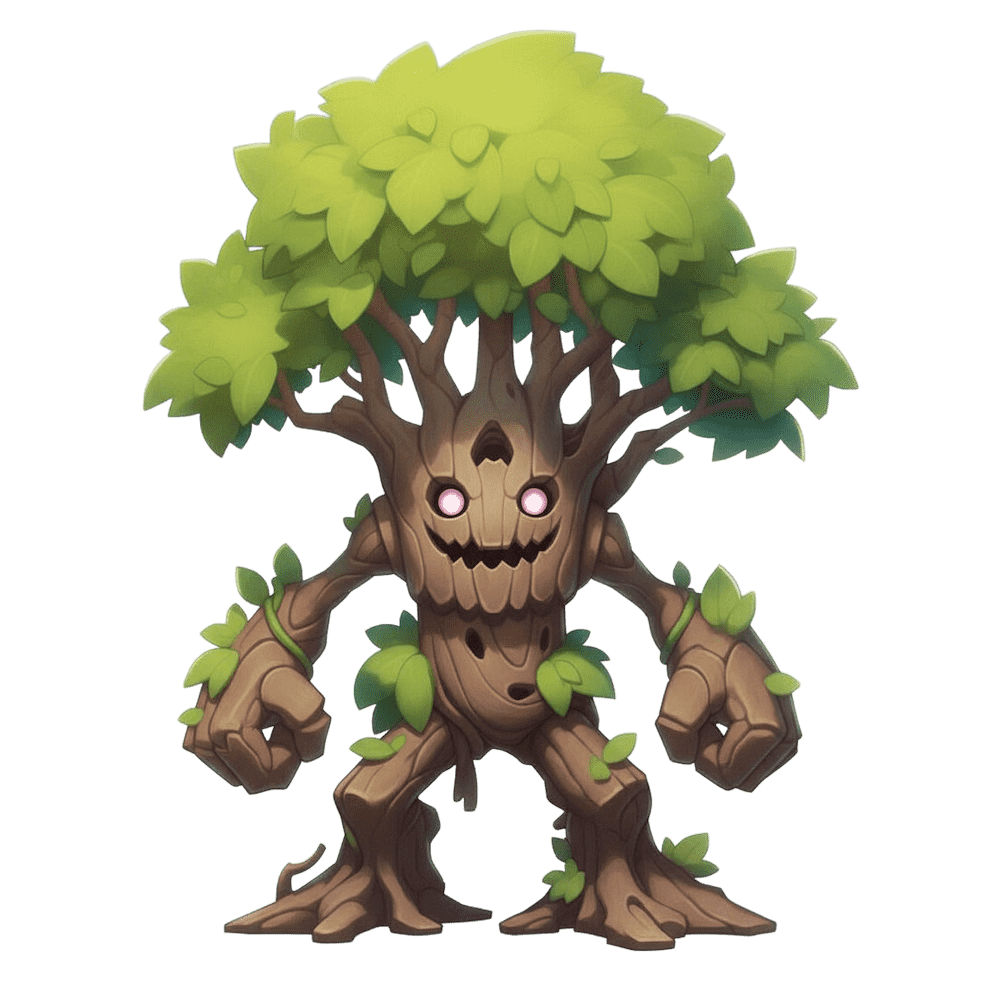
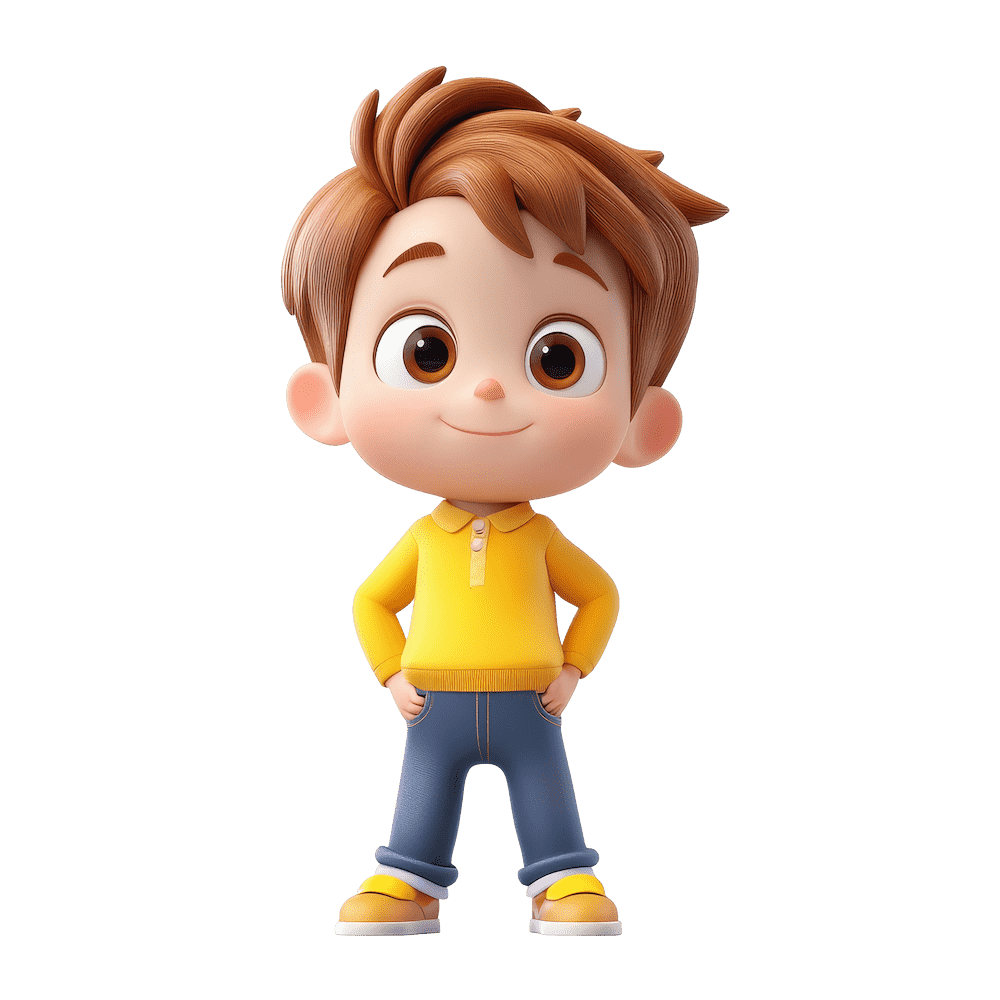
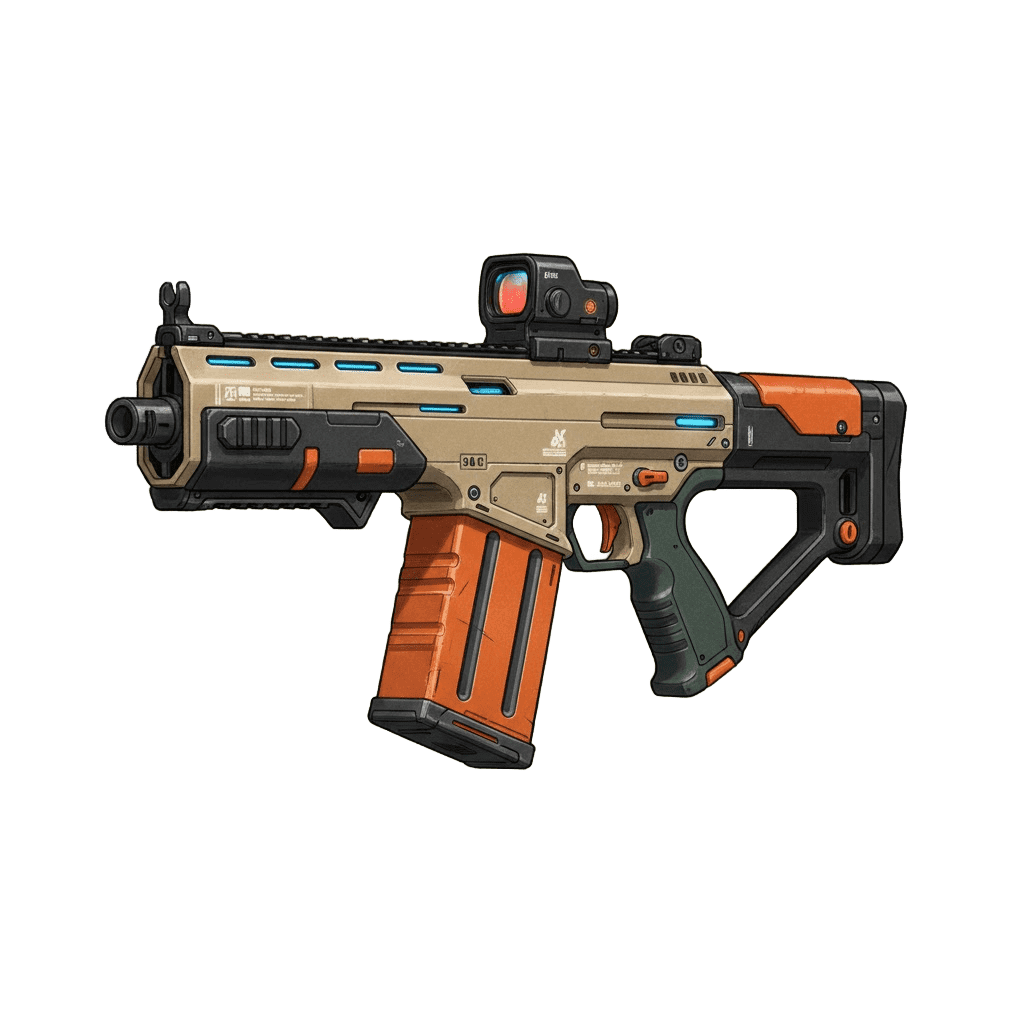
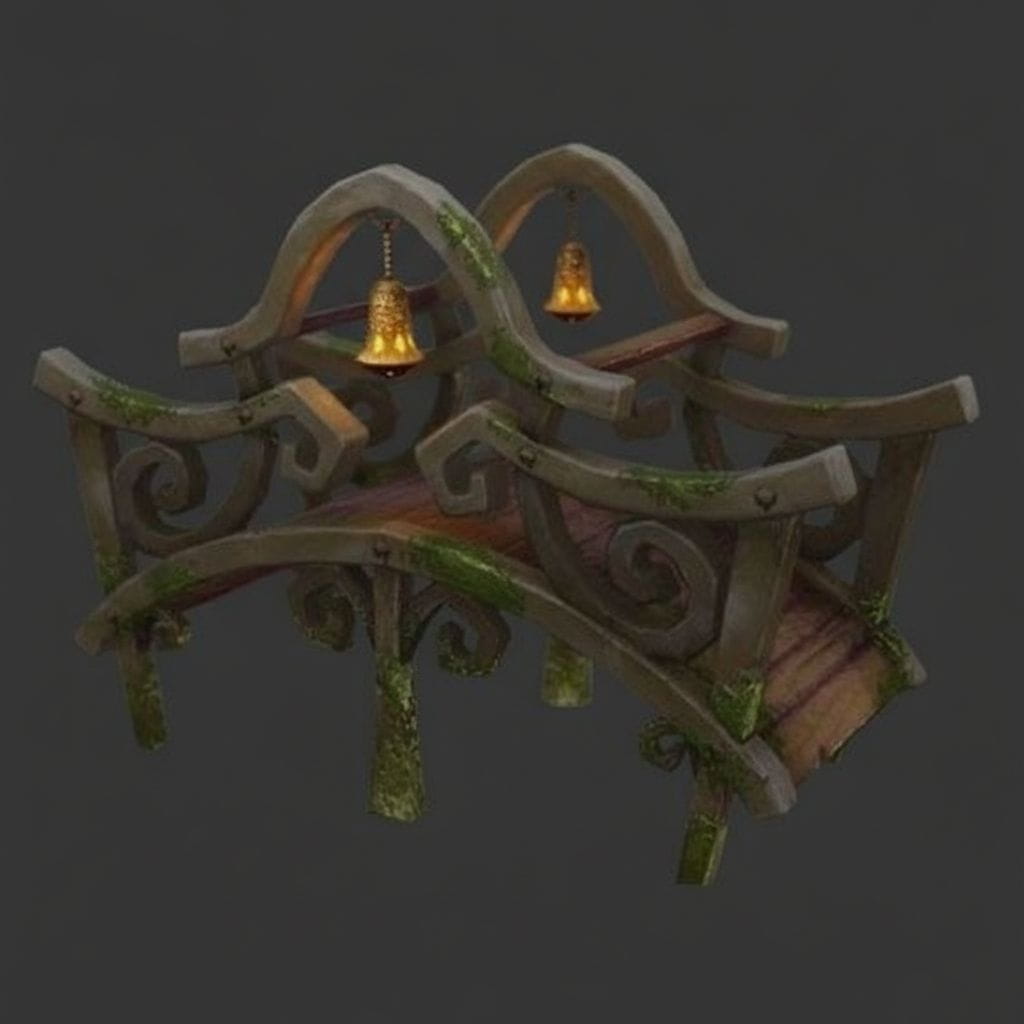
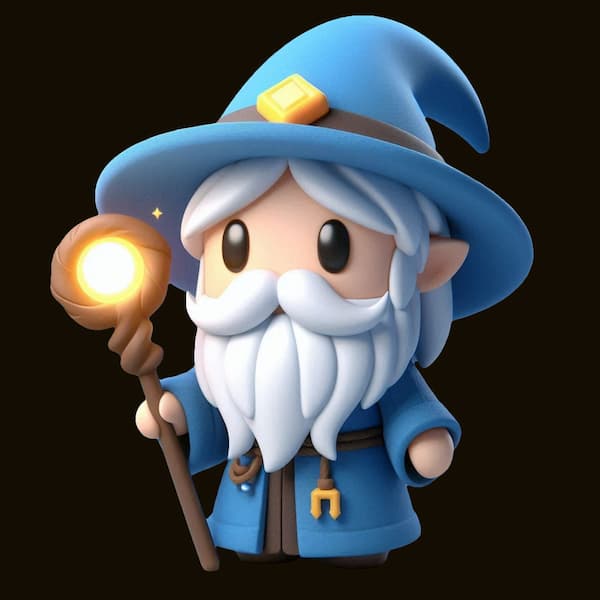
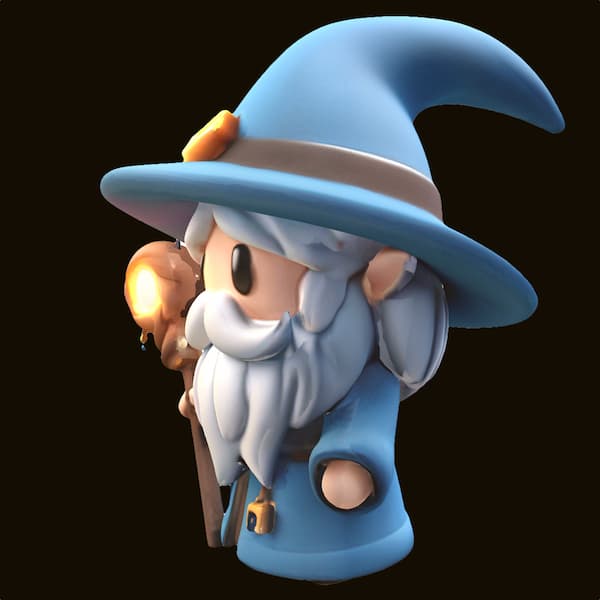
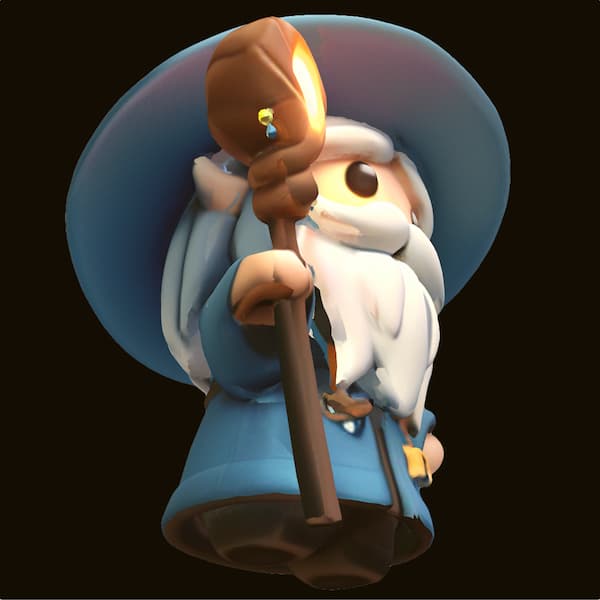
Click on the examples to the right to see what our 3D Model Generator can create from 2D images.

How to Achieve Best Results
Start Simple: Begin with easily recognizable objects (e.g., an apple, a car, a piece of furniture) to understand the model's behavior.
Use High-Quality Inputs: Blurry or low-resolution reference images will produce poor 3D results. Sharpness is key!
Experiment Iteratively: Use the default settings first, then adjust one setting at a time (e.g., Steps or Octree Resolution) to understand its impact.
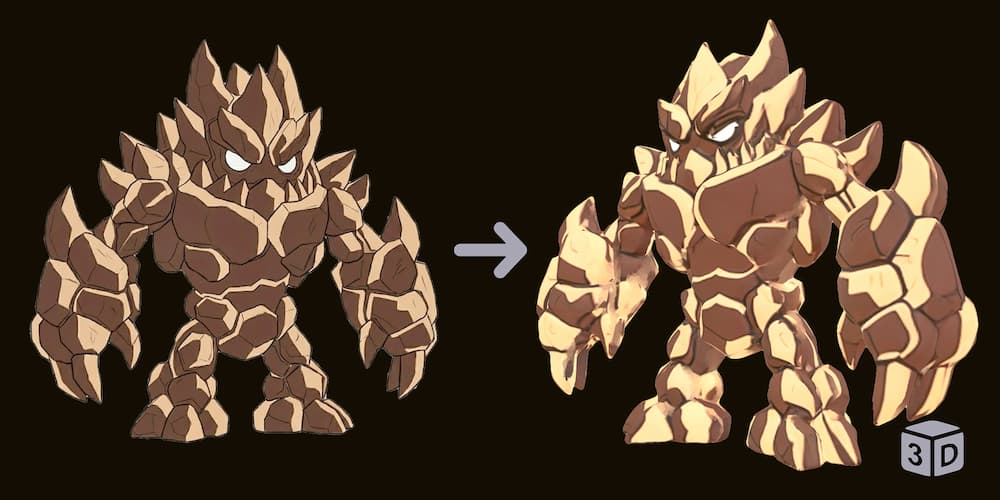
Avoid Flat Illustrations: 2D images without depth cues often result in distorted 3D models. Use the contrast below as a guide. You can also enhance flat images with our AI Image Editor first.
Problem Example
Flat 2D cartoons lack depth info, causing broken geometry.
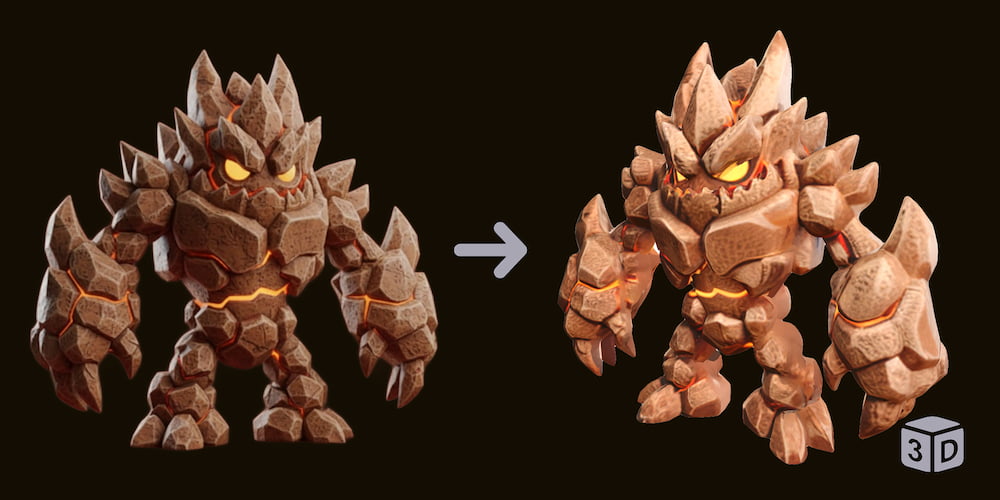
Use Style Transformer First
Images with shading and light render accurate 3D shapes.
Model Tier Comparison
Hunyuan 2
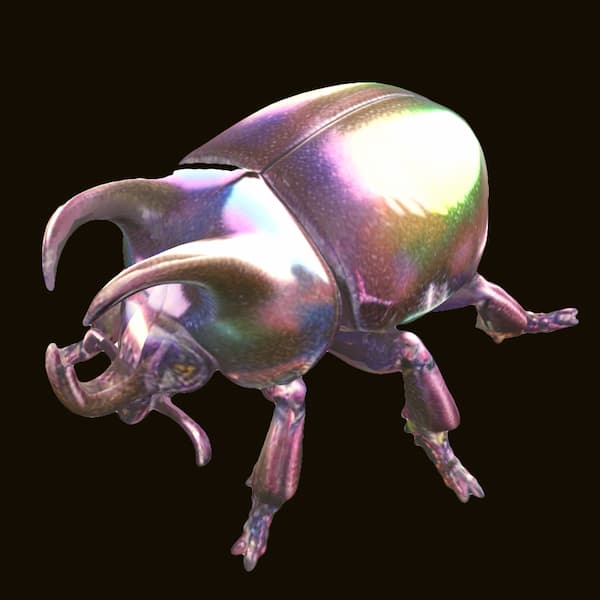
Hunyuan 2: Prioritizes speed and low cost. Good for simple shapes and quick drafts.
Hunyuan 2.1
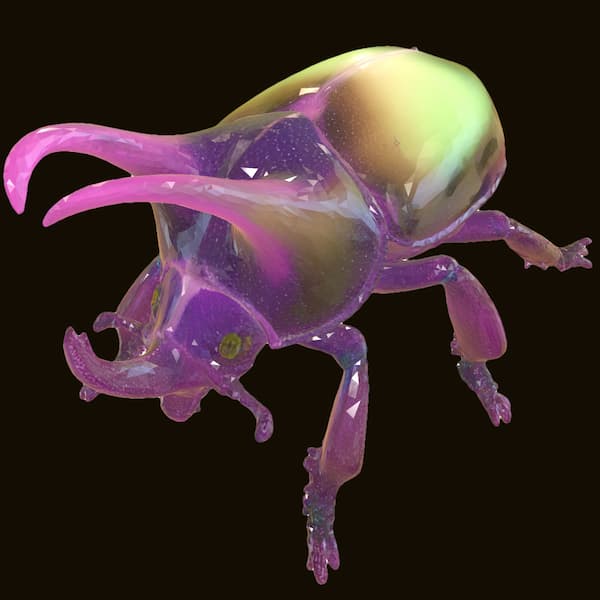
Hunyuan 2.1: Balances speed and detail. Offers parameter controls like face count. Ideal for standard game assets.
AI3DGen 3
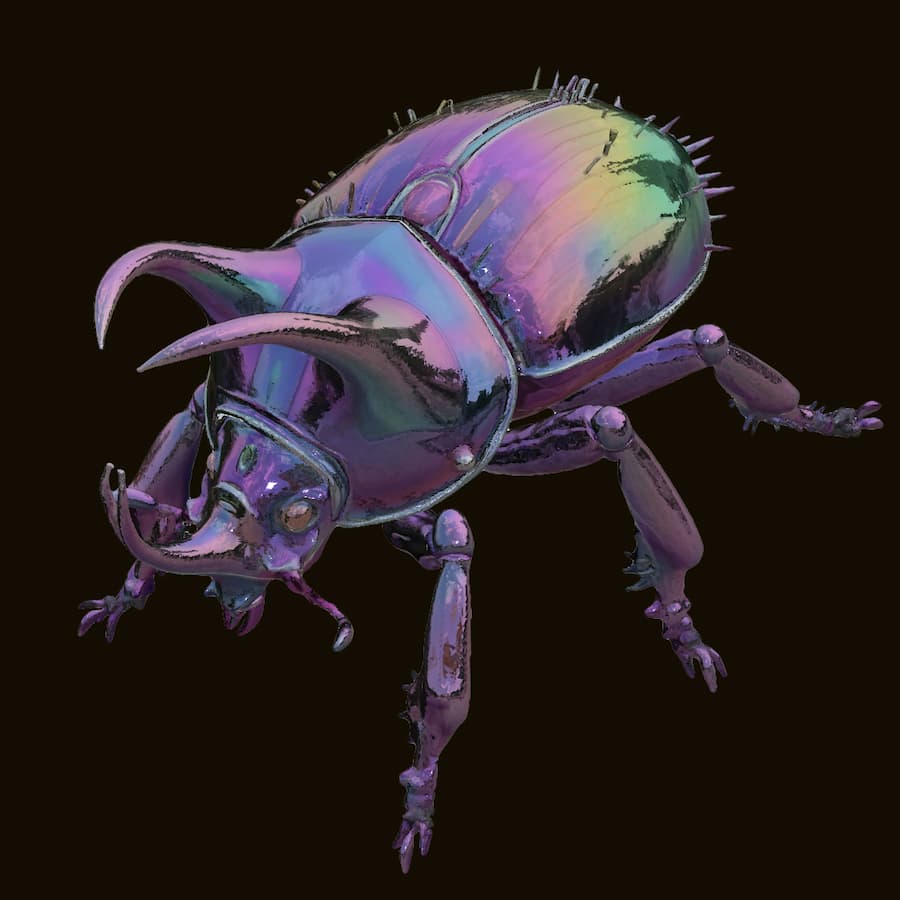
AI3DGen 3: Highest Fidelity. Creates realistic textures and intricate details. Best for figurines and main characters.
Advanced 3D Conversion Settings
Sampling Steps
Controls the number of diffusion iterations. Higher values generally improve structural stability and quality but increase generation time.
Detail Granularity (Chunks)
Splits the input into smaller segments for processing. Higher values yield finer surface details but significantly increase GPU memory usage.
Octree Resolution
Defines the volumetric resolution for reconstruction. Higher values capture sharper geometric features from the original image.
Target Face Count
Sets the target polygon count for the final mesh. Higher counts result in smoother models, while lower counts are optimized for performance.
Common Questions and Answers
Q1.What image types work best?
Q2.What is the difference between Hunyuan 2, Hunyuan 2.1, and AI3DGen 3?
Q3.How long are files stored?
Q4.Why is the 3D Generator slower than the free version?
Q5.What if the result isn't ideal?
Face Count