Transform your 2D concepts into high-fidelity 3D assets with our optimized AI pipeline and professional tools.
Four seamless stages from simple upload to professional export
JPG/PNG, front view preferred for optimal depth mapping.
Avoid
Blurry images, extreme angles, or flat vector art without depth cues.
Ideal
High-res, front view, even lighting, and clear object boundaries.
Pro Tip
Use our AI Image Editor if your input is a flat 2D illustration.
Watch a quick screencast demonstrating the complete process from image upload to 3D model generation.
Find the right balance of expense and quality for your project
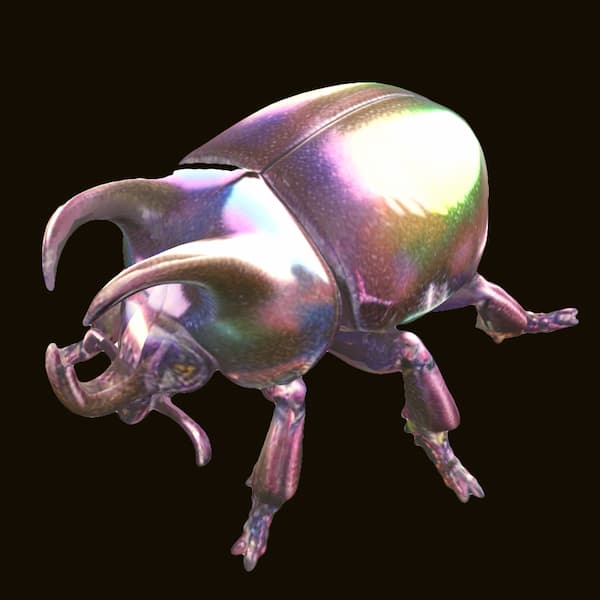
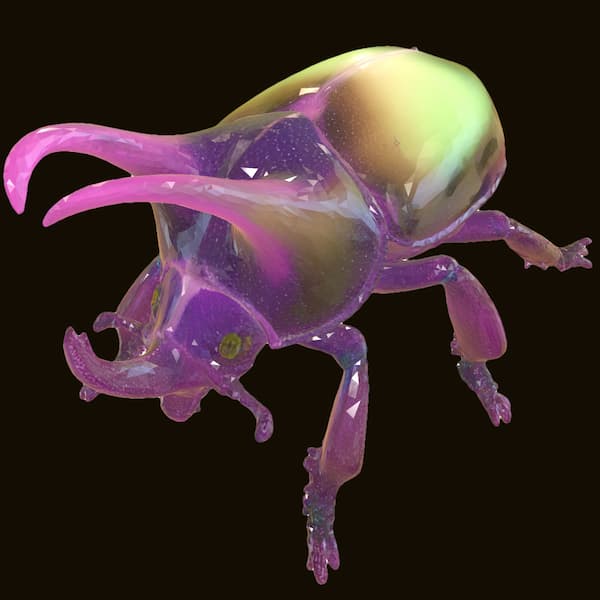
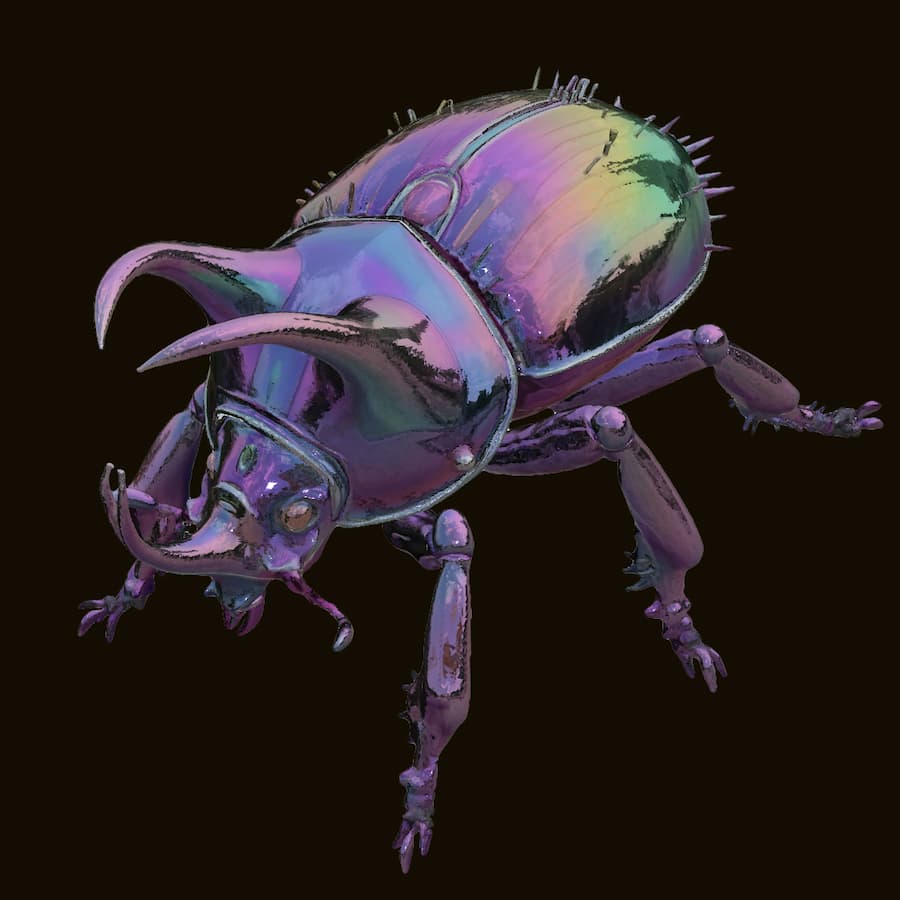
| Feature | Base | Pro | UltraPopular |
|---|---|---|---|
| Best For | Quick Preview / Education | Game Assets / E-commerce | 3D Printing / Film Production |
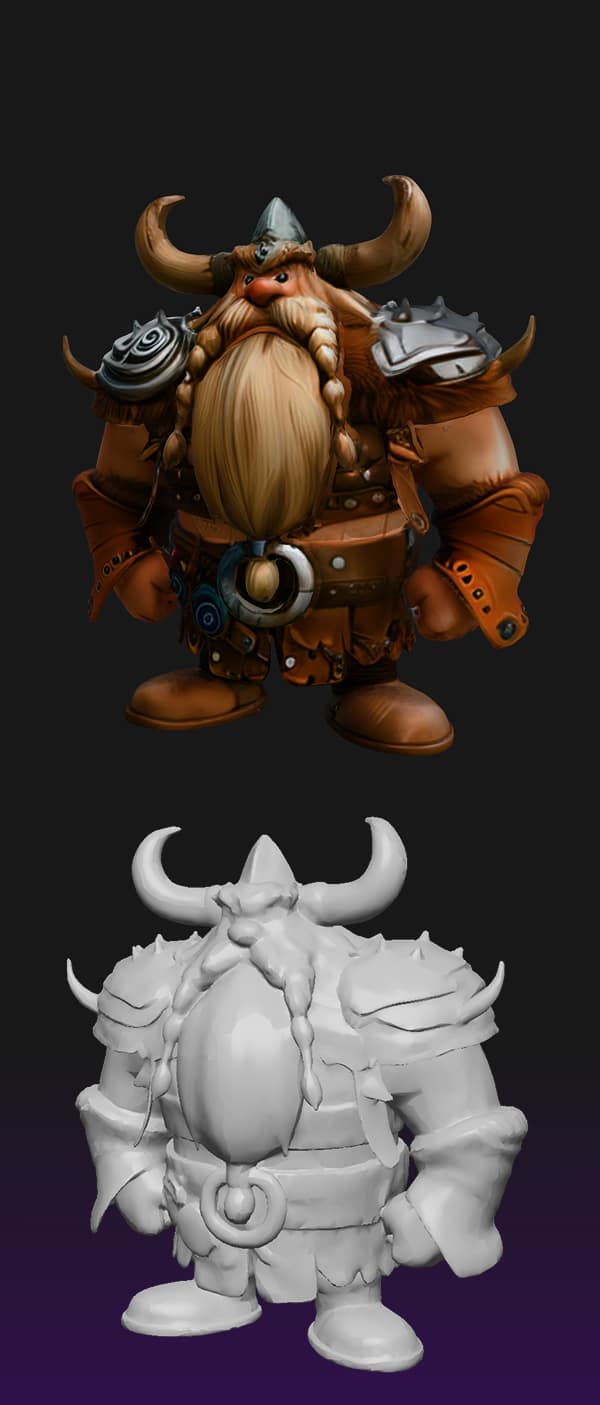
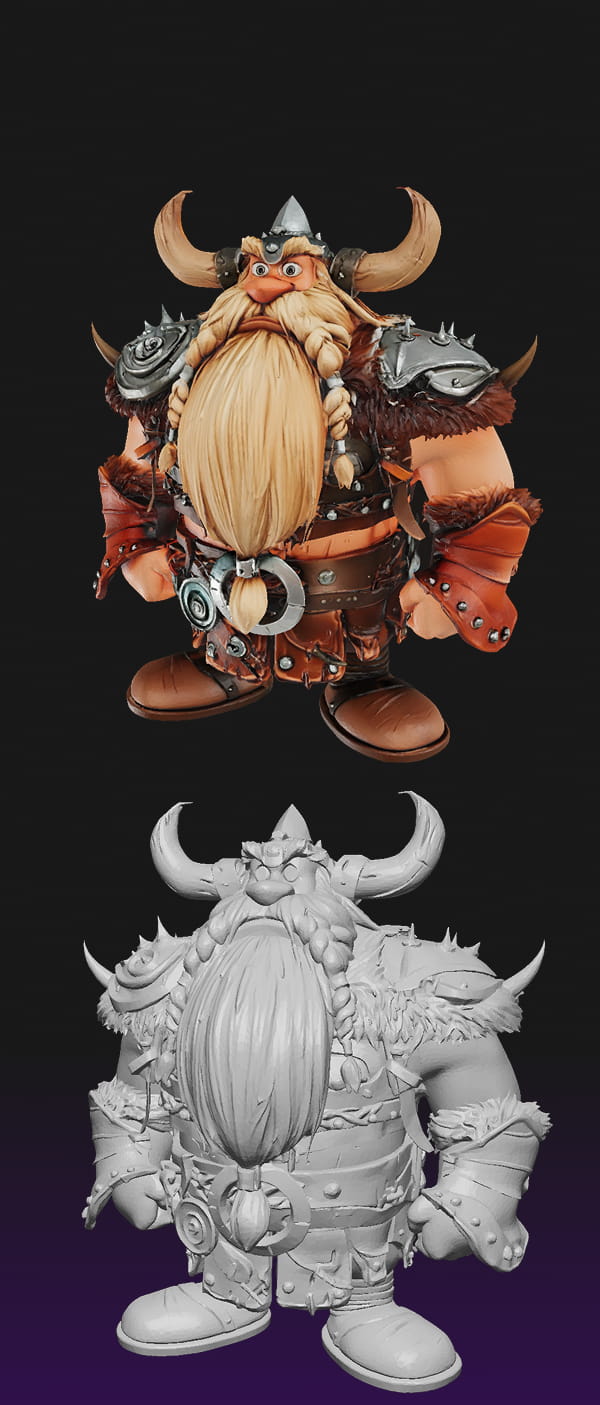
| Modeling Quality | Standard | Advanced | High-Fidelity |
| Textures (Quality) | Basic | Standard | Advanced & Highly |
| Polygon Count | Moderate | Moderate | High |
| Preprocessing | Recommended | Recommended | Advanced(Built-in) |
| Credit Cost | 20 Credits | 40 Credits | 60 Credits |
"Just Exploring?"
Start with Free Trial or Base Model
"Game Ready?"
Choose Pro Generator for full PBR material support.
"Production?"
Go Ultra Generator for 8K textures and complex topology.
AI iteration depth. Higher values yield more precise geometry but increase wait time.
Polygon budget. Increase for ultra-smooth curved surfaces and intricate details.
3D grid resolution. Essential for fine-tuning the topological structure of complex objects.
Unique generation key. Lock this value to reproduce consistent results for the same image.
Deformed geometry
Solution: Use AI Image Editor to add volume before generation
Background artifacts
Solution: Use Background Remover to isolate subject
Missing fine details
Solution: Upgrade to Pro/Ultra and increase Face Count
Color bleeding
Solution: Ensure even lighting or use Ultra tier
Optimization Chain
For complex subjects:
Original → AI Editor (Depth) → BG Remover (Isolate) → 3D Generator
Test our core technology with our limited free tier. Please note the technical constraints compared to our professional engines:
Lite AI Model
Simplified geometry processing compared to Base tier.
Daily Quota
Limited generation cycles per 24-hour period.
Processing Queue
Shared processing power with standard priority.
Basic Vertex Color
Standard vertex coloring without PBR material maps.
You own 100% of the rights to any model generated on our platform. Use them commercially in games, films, prints, or digital marketplaces without attribution.
Your data is transient. All source images and generated models are automatically purged from our GPU clusters after exactly 60 minutes. We never store or train on your assets.
Not always. For Base and Pro, we recommend using our AI Background Remover for best results. Ultra tier has built-in advanced context understanding and can handle complex backgrounds automatically.
The Free tier uses Lite AI models optimized for speed with basic geometry. Paid tiers (Base, Pro, Ultra) use High-Fidelity algorithms with PBR materials, adjustable parameters, and support for complex structures.
All generated files are stored for exactly 1 hour, then permanently deleted from our servers. Please download your models immediately. We do not keep copies for privacy reasons.
Yes. You retain full commercial rights to all 3D models generated on our platform. Use them in games, films, 3D prints, or sell them—no attribution required.
Use OBJ for editing in Blender/Maya, GLB for game engines (Unity/Unreal), and STL for 3D printing. Pro and Ultra tiers support all three formats.
This usually happens with thin objects. Try using the "AI Image Editor" to add thickness, or use the Ultra tier which has better occlusion awareness.
Free tier users have a daily limit. Upgrading to any paid plan removes these limits and grants priority processing in the queue.