One-Click Image to 3D AI: Consistent, Production-Ready Models

Transform static photos into fully textured 3D meshes instantly. Our advanced image to 3D AI engine creates high-fidelity assets for games, filmmaking, and 3D printing in formats like GLB, STL, and OBJ.

One-Click Image to 3D AI: Consistent, Production-Ready Models

Free AI 3D Model Generator

🔮 No signup needed. Upload once, claim the 3D model files — free, fast, zero skills.

No Credit Card Required
Face Count

Your 3D model will load here. For higher-fidelity details, unlock our pro version!

🌙 Want sharper mesh & instant queue jumps? Go Pro and unlock full-format exports plus premium detail: check the differences.

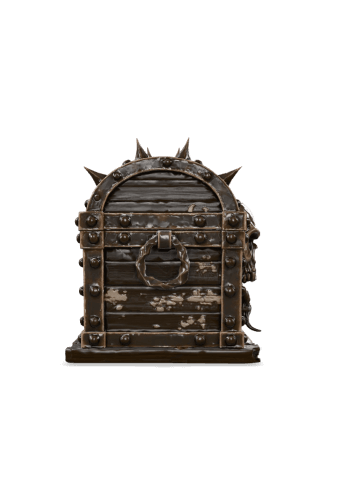
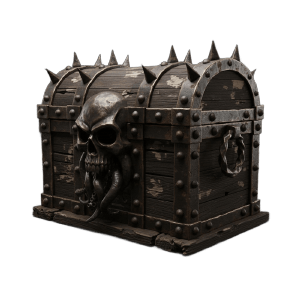
Image to 3D AI generated gothic treasure chest prop

Stylized Characters

Convert 2D cartoons into vibrant, production-ready 3D models.

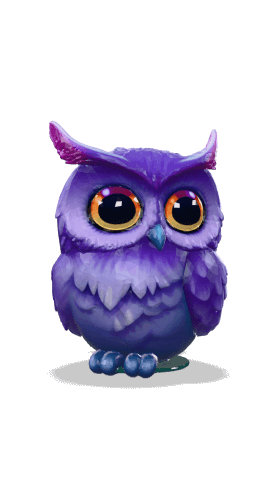
Image to 3D AI generated stylized purple owl mascot

Game Assets & Props

Generate detailed environmental items and loot boxes directly from images.

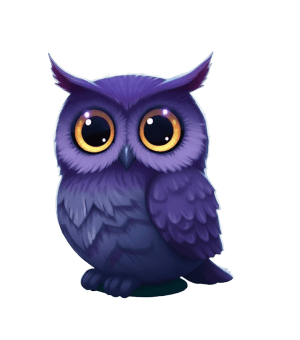
Image to 3D AI generated stylized purple owl mascot

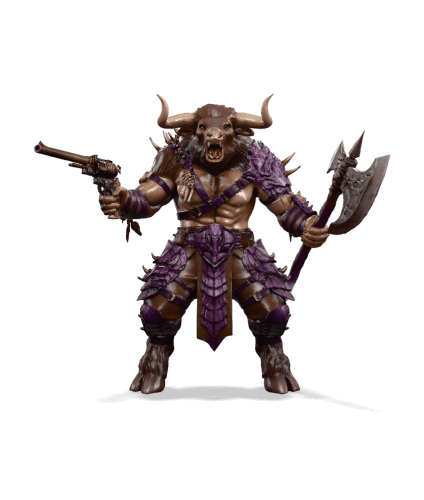
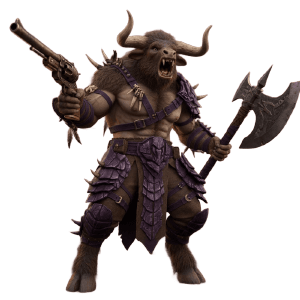
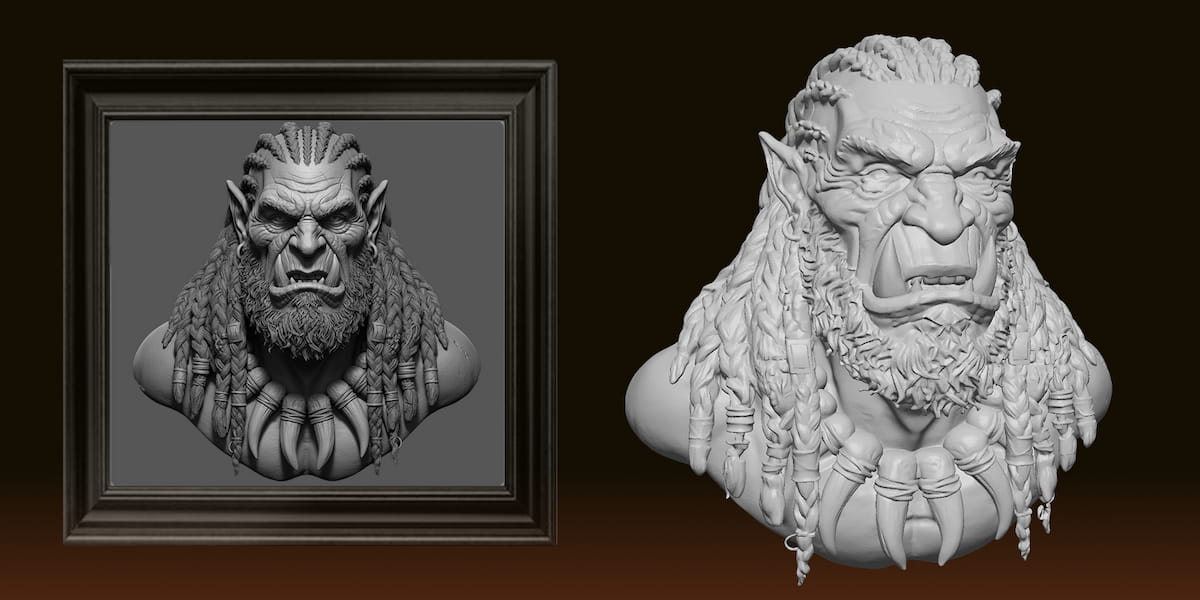
Fantasy Creatures

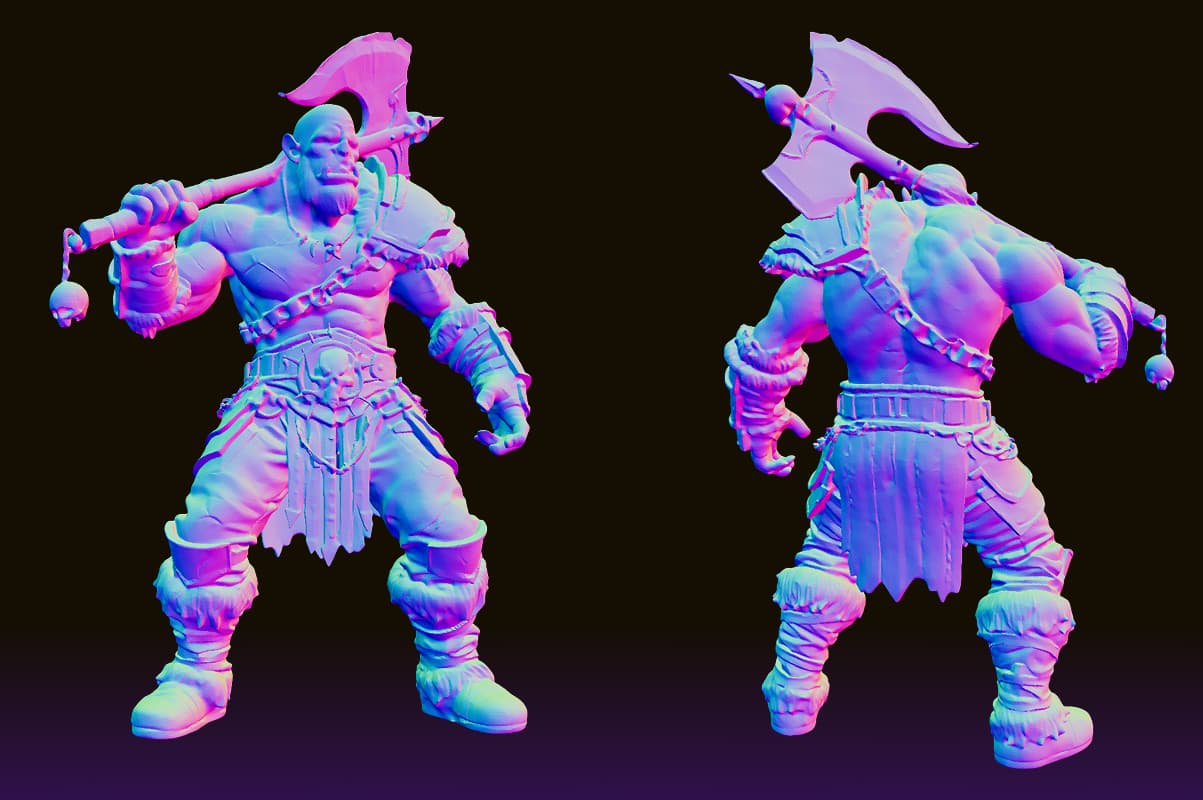
Bring complex beasts to life with high-fidelity organic geometry.

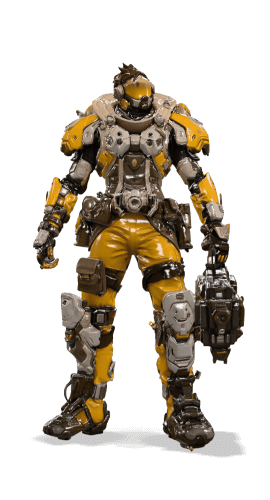
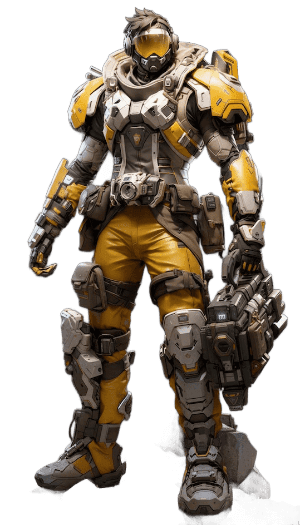
Image to 3D AI generated yellow sci-fi mech armor

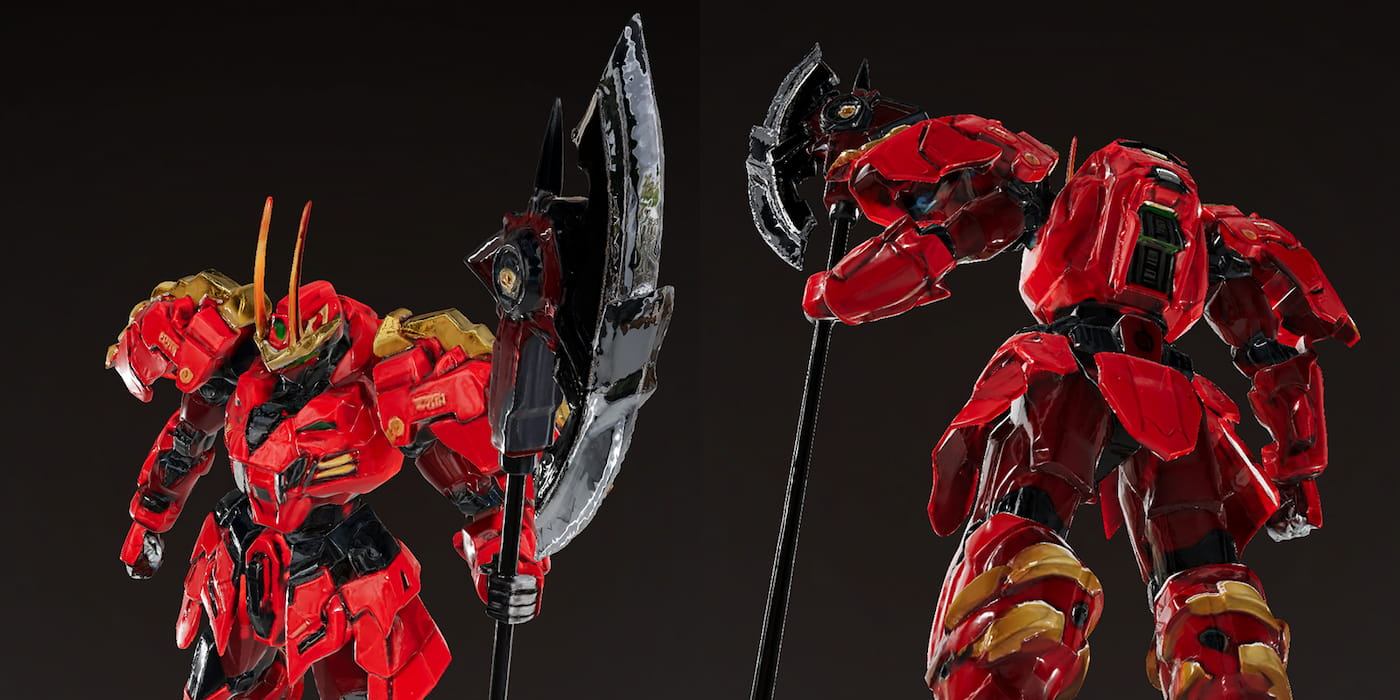
Hard Surface & Sci-Fi

Create precise mechanical suits with sharp, industrial detailing.

Advanced Features of Our Image to 3D AI

Turn flat pictures into production-ready 3D assets—textured, multi-format — in one click.

Unrivaled Style Consistency

Unrivaled Style Consistency

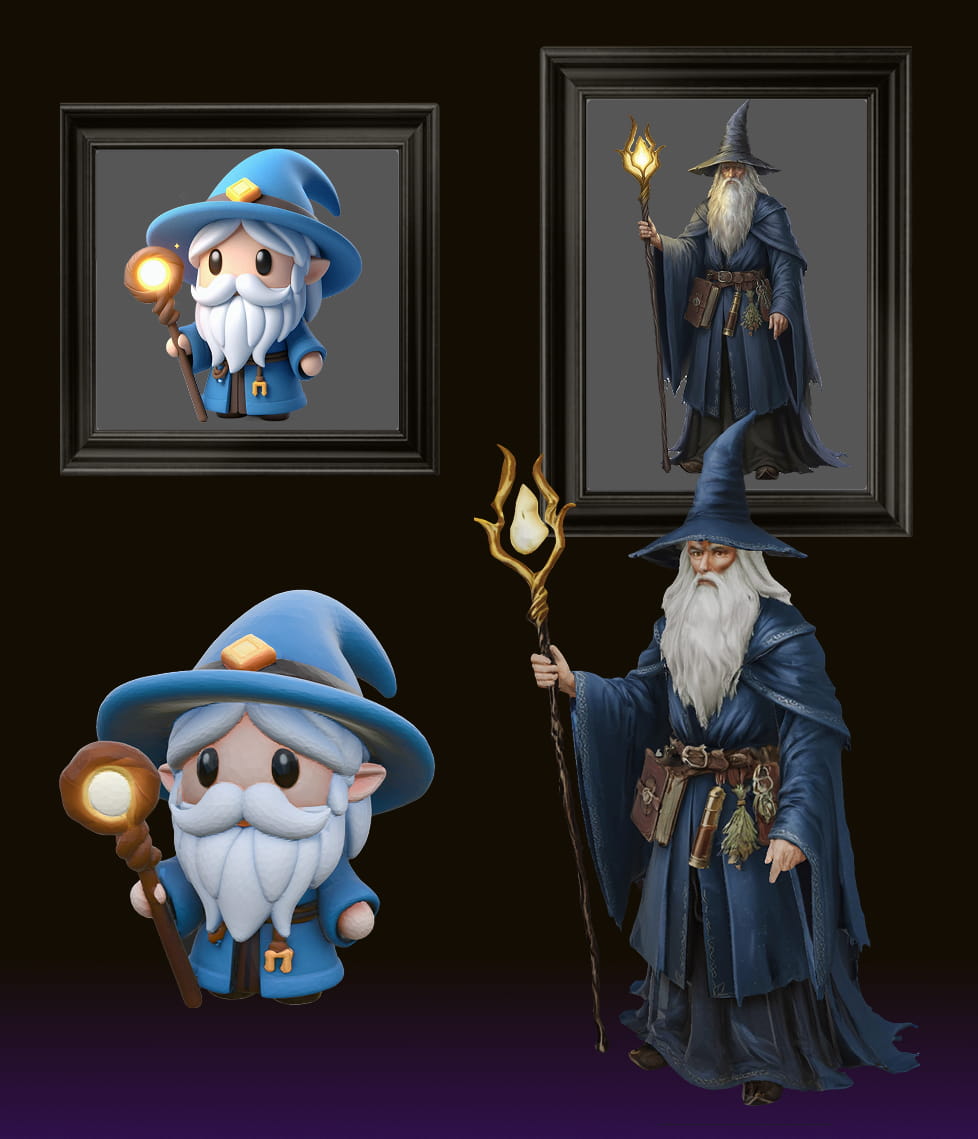
Our image to 3D AI respects your artistic vision. Whether it is pixel art, hand-drawn sketches, or realistic photos, the AI preserves the original style and aesthetic in the final 3D output without hallucinations.

Universal Format Export (GLB, STL, OBJ)

Universal Format Export (GLB, STL, OBJ)

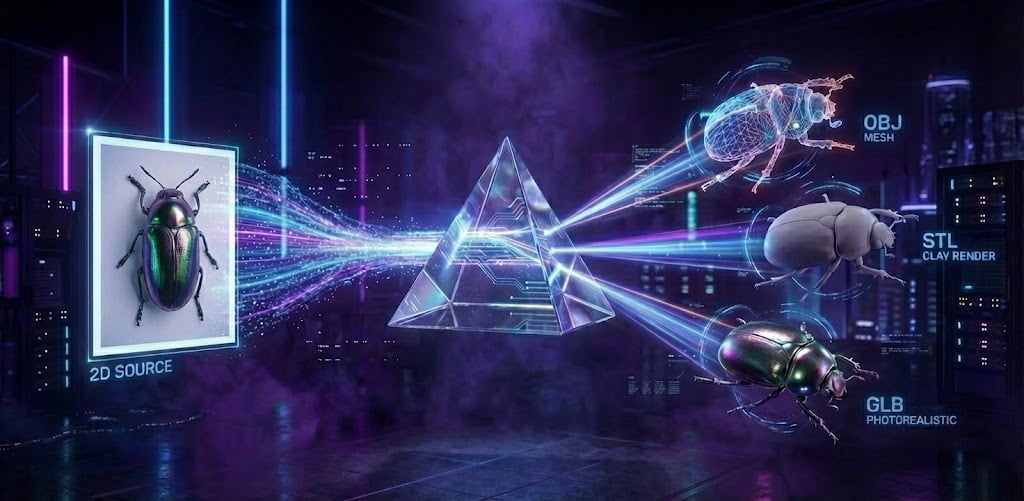
Seamlessly integrate into any pipeline. Export your generated assets instantly in industry-standard formats: .GLB for web/AR, .OBJ for modeling software, and .STL for 3D printing slicers.

High-Fidelity PBR Textures

High-Fidelity PBR Textures

Don't just get geometry; get the look. The AI automatically generates high-resolution PBR maps (Albedo, Normal, Roughness), ensuring your models look realistic under any lighting condition.

Specialized High-Quality Generation

Specialized High-Quality Generation

Our Ultra mode features high-intensity training adapters specifically for complex subjects. It delivers superior results for detailed monsters, architectural structures, game items, and filmmaking makeup/prosthetics.

What is Our Image to 3D AI?

The next evolution in generative 3D asset creation.

AI3DGen.com is a cutting-edge platform designed to democratize 3D modeling. By leveraging advanced neural networks, we have created a sophisticated image to 3D AI system that perceives depth and volume from a single flat image. This allows creators to completely bypass the tedious and time-consuming initial blocking phase of manual modeling and jump straight to refining the asset.

Unlike generic tools, our engine prioritizes consistency and structure. We utilize a unique 3-tier processing system (Base, Pro, Ultra) that adjusts the generation time—ranging from approximately 70 seconds to 180 seconds—to match the complexity of your input. This tiered approach ensures that you receive the highest quality output possible, whether you need a quick draft or a highly detailed complex model.

We support the full spectrum of creation, seamlessly integrating into any professional pipeline. From exporting .STL files for physical 3D printing to generating .GLB and .OBJ files for game engines like Unity and Unreal, our image to 3D AI adapts to your specific workflow needs. We don't just provide geometry; the AI automatically generates high-fidelity PBR maps (Albedo, Normal, Roughness) for your assets, ensuring your models look realistic under any lighting condition.

Ready to Speed Up Your Workflow?

Stop spending hours on manual modeling. Let our image to 3D AI handle the heavy lifting.

Generate 3D Model
From 2D to 3D in 3 Simple Steps

Our intuitive interface makes 3D generation accessible to everyone.

Step 1: Upload Your Image

Upload any 2D image (JPG, PNG). For best results with our image to 3D AI, use a clear image of your object, character, or building.

Step 2: AI Generation

The AI analyzes the image depth. Depending on your chosen mode (Base to Ultra), generation takes between 70 and 180 seconds to construct a perfect mesh.

Step 3: Download Your Model

Preview the result in the viewer. Once satisfied, download your asset in .GLB, .OBJ, or .STL format and import it into your project.

Why Choose AI3DGen.com?

We solve the biggest problems in generative AI: consistency and usability.

One-Click Consistency

Our core algorithm is tuned to prevent hallucinations. What you see in your image is exactly what you get in 3D, maintaining strict fidelity to your concept.

3-Tier Power System

We offer Base, Pro, and Ultra modes. Whether you need a quick 70-second draft or a high-definition 180-second calculation for complex mechs, we have the right engine for the job.

Broadest Format Support

We understand your pipeline. Unlike other tools that lock you in, we offer full exports in .OBJ, .STL, and .GLB so you can work in Blender, Maya, or print physically.

Unreal Creations Start with a Single Image

Join thousands of designers using the most consistent image to 3D AI on the market.

Generate 3D Model

Frequently Asked Questions

What is AI3DGen.com?

It is an advanced image to 3D AI platform that converts 2D photos into 3D models. We feature three specialized editors: Base (for basic shapes), Pro (better texturing/geometry), and Ultra (specifically trained for complex monsters, game items, mechs, and architecture).

    Is this image to 3D AI tool free?

    Yes, we have a free tier using the Base editor. However, free users have lower generation priority (queueing) and standard quality. Upgrading unlocks the Pro/Ultra editors for high-quality results, commercial licenses, and skip-the-line speed.

      How long does generation take?

      It depends on the complexity mode. Base models generate in approximately 70 seconds, while the high-fidelity Ultra mode takes around 180 seconds to ensure maximum detail.

        What file formats can I export?

        We support .GLB and .OBJ for digital 3D use (Games/AR) and .STL for 3D printing enthusiasts.

          What is the Ultra Editor best used for?

          The Ultra Editor uses high-intensity training adapters. It is the best choice for hard-surface modeling (mechs, architecture), organic creatures (monsters), and detailed filmmaking assets like makeup concepts.

            Can I use the models commercially?

            Yes. If you subscribe to a paid plan (Pro or Ultra), you own the commercial rights to the assets you generate.

              Do I need a powerful GPU?

              No. Our image to 3D AI runs entirely in the cloud. You can generate models from a phone or a low-end laptop.

                How do I ensure the best results?

                Use images with clear lighting and a distinct subject. For the Ultra editor, providing high-resolution concept art yields the best geometry.