Meshy Alternatives: 5 Free Image-to-3D Tools Compared
 Edward Anatoli
Meshy has become one of the most recognizable names in AI-powered 3D generation, and for good reason — it was among the first platforms to make image-to-3D conversion genuinely accessible. But the space has evolved quickly. Today there are several capable tools that turn a single photo or illustration into a usable 3D model, and they differ a lot in output quality, export formats, free-tier limits, and how well they fit specific workflows like game development or 3D printing.
If you are hitting Meshy's credit limits (or running into its paywall for exports), or simply want a second opinion on an important asset, this comparison is for you. We tested five free image-to-3D tools with the same set of source images — a product photo, a character sketch, and a piece of fan art — and evaluated each on geometry quality, texture fidelity, export options, and overall ease of use.
What to Look for in an Image-to-3D Tool
Before diving into the tools themselves, it helps to know what actually matters:
- Geometry quality. Does the model hold up when you rotate it, or does the back side collapse into a blur? Good tools infer occluded surfaces convincingly.
- Texture fidelity. AI-generated textures range from crisp and game-ready to muddy smears. This varies more between tools than any other factor.
- Export formats. If you are printing, you need STL. If you are building for Roblox, Unity, or the web, you need GLB or FBX. A tool that only exports one format will eventually box you in.
- Free-tier generosity. "Free" means very different things — from unlimited low-res generations to a handful of monthly credits.
- Post-processing options. Remeshing, polycount control, and format conversion save you a trip to Blender.
With those criteria in mind, here are the five tools worth your time.
1. AI3DGen — Best Free Tier for Quick, No-Signup Results
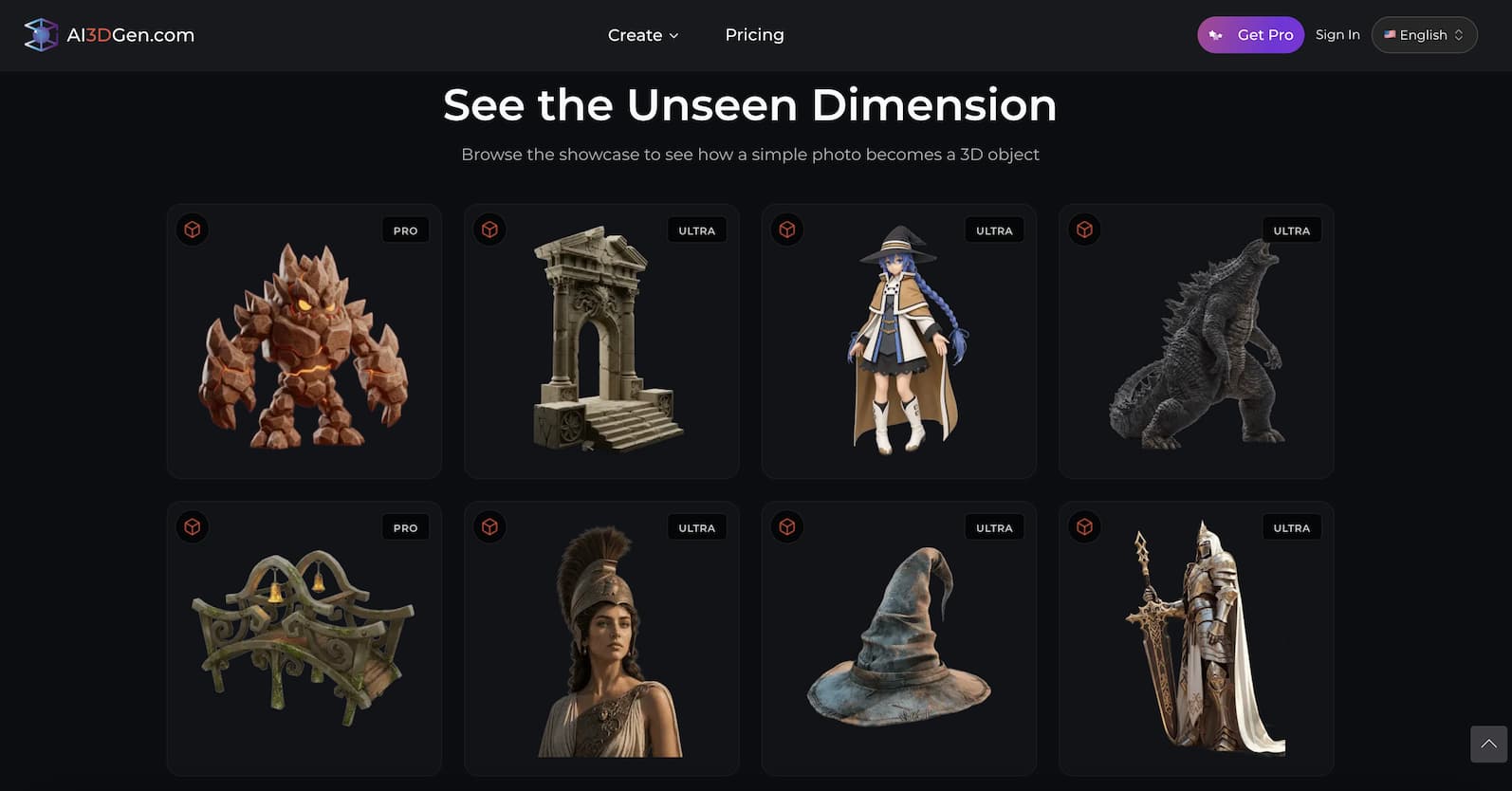
AI3DGen takes the friction out of the whole process. There is no account wall between you and your first model — you upload an image and generation starts immediately, which makes it ideal for quick tests and for users who are not ready to commit to yet another platform subscription.
In our tests, the generator produced clean geometry on the product photo and handled the character sketch surprisingly well, preserving silhouette details that some competitors smoothed out. Exports cover the formats that matter most — OBJ, STL, and GLB — so a single workflow can feed both a slicer and a game engine. The platform also bundles genuinely useful side tools, including a background remover that doubles as image prep: stripping a busy background before generation noticeably improves the final mesh.
The trade-off is that advanced controls like custom polycount targets are lighter than what power users get elsewhere. But for the price — free, with multiple quality tiers to grow into — it is the easiest recommendation on this list for beginners and for anyone who wants to test an image-to-3D workflow in the browser without a signup step.
2. ImgTo3D.ai — Best for High-Fidelity Single-Image Conversion
Where AI3DGen optimizes for accessibility, ImgTo3D.ai pushes toward output quality. The platform focuses specifically on squeezing the most detail out of a single input image, and its higher tiers produce textures that hold up under close inspection — noticeably sharper on fabric folds and surface markings in our fan-art test.
The generation pipeline offers multiple quality levels, so you can draft a model quickly at a lower tier and only spend credits on the high-fidelity pass once the silhouette looks right. That draft-then-refine loop is genuinely practical for production work, and it mirrors how professional 3D artists iterate.
Export support covers the standard game and printing formats. The free tier is more limited than AI3DGen's, positioning this as the tool you reach for when the result matters more than the experiment count. If your project depends on texture quality — a portfolio piece, a client deliverable, a model headed for a storefront — it is worth running your source image through its high-fidelity pipeline alongside your other tests.
3. Tripo AI — Best for Speed and Ecosystem Integrations
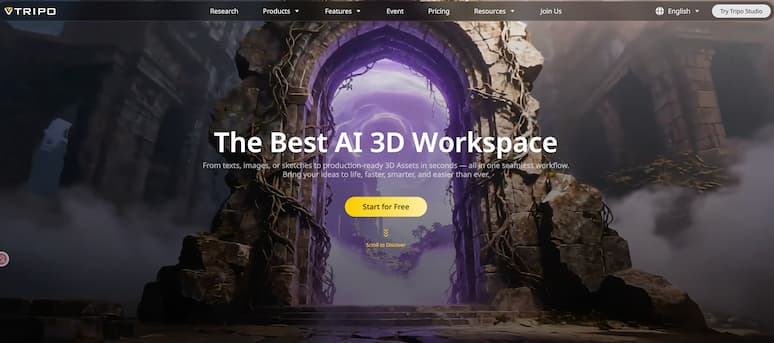
Tripo has built a reputation on raw generation speed, and it shows. Draft models arrive fast, which makes the platform feel closer to a real-time creative tool than a batch processor. The quality of that first pass has improved substantially over the past year, and the built-in remeshing and rigging options extend its usefulness well beyond the initial generation.
Tripo's other strength is its ecosystem: API access and plugins for popular creative tools make it the most automation-friendly option here. If you are generating models programmatically — say, batch-converting a product catalog — Tripo's API-first design will save you real engineering time.
The free tier is credit-based and reasonably generous for evaluation, though heavy use pushes you toward a subscription fairly quickly. Important note: like Meshy, exporting 3D files on Tripo requires a paid plan — free versions cannot export. Texture quality on complex patterns lagged slightly behind the top two picks in our tests, but for blockout work and rapid prototyping, speed often matters more than final-pass fidelity.
4. Rodin (Hyper3D) — Best for Character and Portrait Work
Rodin, from Deemos, consistently produces some of the cleanest character geometry in the consumer image-to-3D space. Faces and humanoid forms — historically the hardest subjects for single-image reconstruction — come out with well-proportioned features and fewer of the melted-edge artifacts that plague other tools.
The platform offers avatar-focused workflows alongside general object generation, and its texture generation handles stylized and anime-influenced source art particularly well. If your queue is full of character portraits, OC designs, or VTuber-style artwork, Rodin belongs on your shortlist.
The free tier exists but is tight, and generation queues can stretch during peak hours. Pricing sits at the higher end of this list once you move to paid plans, so it rewards targeted use rather than bulk experimentation.
5. Luma Genie — Best for Text Prompts with Image Support
Genie started as a text-to-3D tool and added image input later, which shapes where it shines. If your workflow mixes prompt-based ideation with image-based refinement, Genie handles both in one place — useful when you do not yet have the perfect source image and want to explore variations from a description first.
Pure image-to-3D quality is decent rather than class-leading: geometry is generally solid on simple objects, but complex silhouettes and fine surface detail came out softer than the tools above in our side-by-side tests. Think of it as a strong ideation companion rather than a final-asset generator.
Genie's free access has fluctuated with Luma's product strategy, so check current limits before building a habit around it. For brainstorming shapes and compositions before committing to a high-fidelity tool, it remains a fun and genuinely useful option.
Quick Comparison
| Tool | Free Tier | Export Formats | Standout Strength | Best For |
|---|---|---|---|---|
| AI3DGen | No signup required | OBJ, STL, GLB | Friction-free workflow + image prep tools | Beginners, quick tests |
| ImgTo3D.ai | Limited free credits | OBJ, STL, GLB | High-fidelity textures | Portfolio & client work |
| Tripo AI | Credit-based | Requires paid plan to export | Speed + API ecosystem | Automation, prototyping |
| Rodin | Tight free tier | GLB, FBX, OBJ | Character geometry | Portraits, stylized art |
| Luma Genie | Varies | GLB, others | Text + image hybrid | Ideation, exploration |
Which One Should You Choose?
There is no single winner — but there is a sensible testing order. Start with a no-signup tool to validate that image-to-3D works for your kind of source material at all. Once you know what your images produce, move to a higher-fidelity pipeline for the assets that actually ship. Add Tripo if you need automation, Rodin if you live in character work, and Genie if prompts are part of your process.
The encouraging news is that every tool on this list is improving fast. The gap between a free browser-based converter and a professional modeling pipeline has never been smaller — and for most indie developers, print hobbyists, and content creators, it is already small enough to build real projects on.